HALLOW APPS

35 apps · free & open source · Windows 10 / 11

Calm, private apps for your gaming PC.

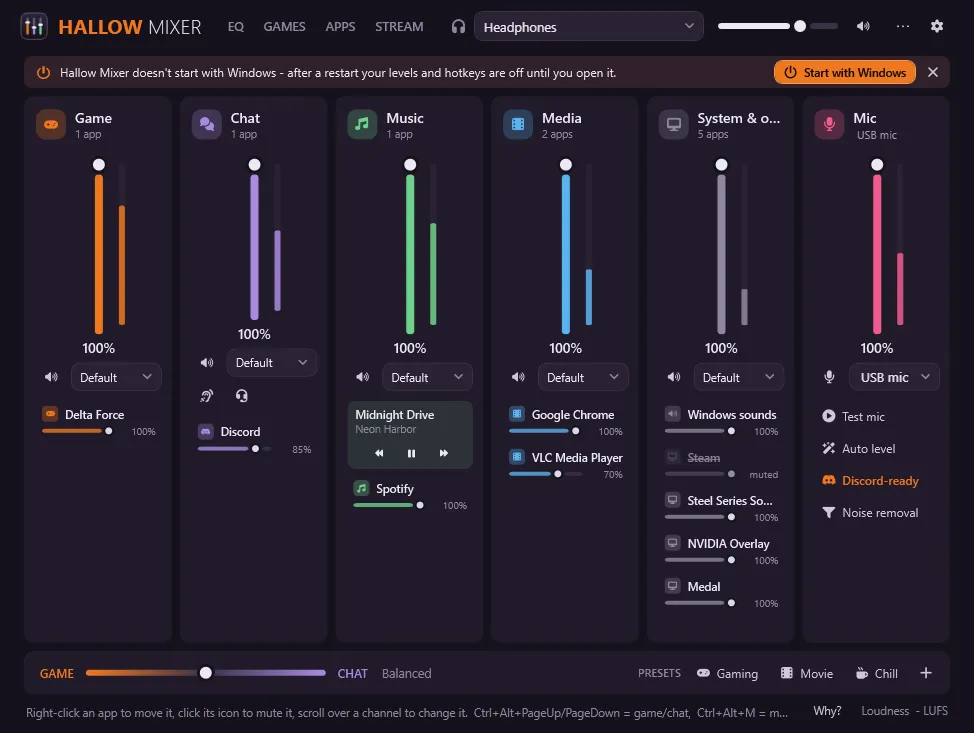
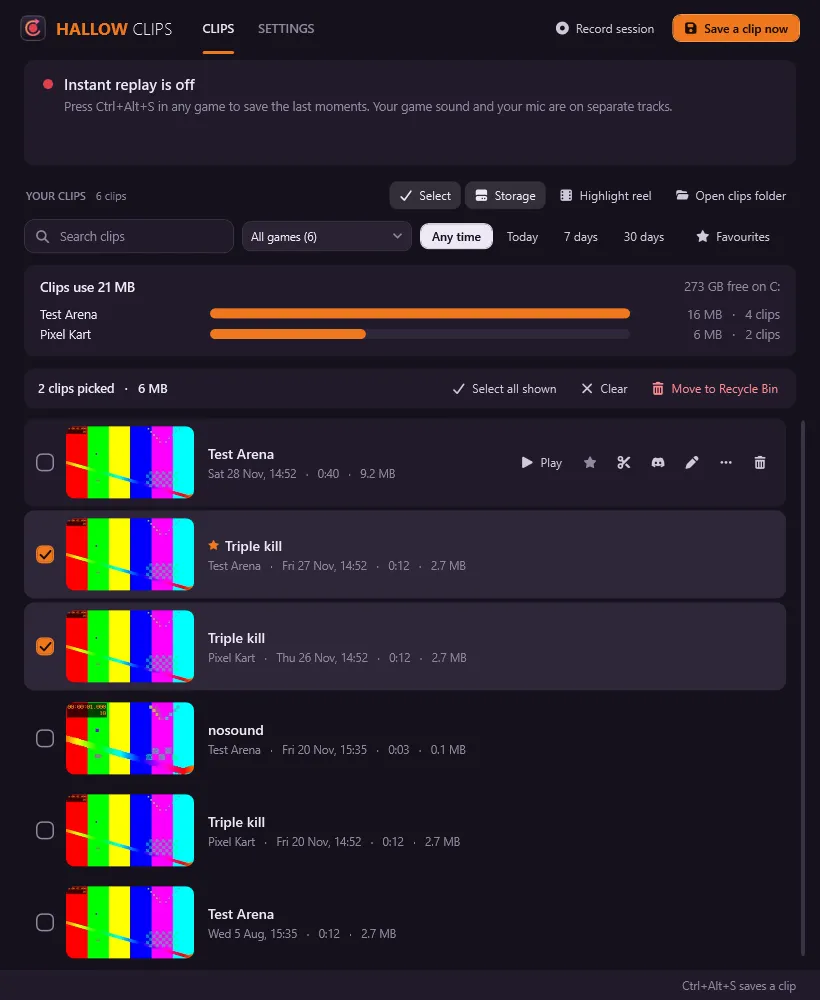
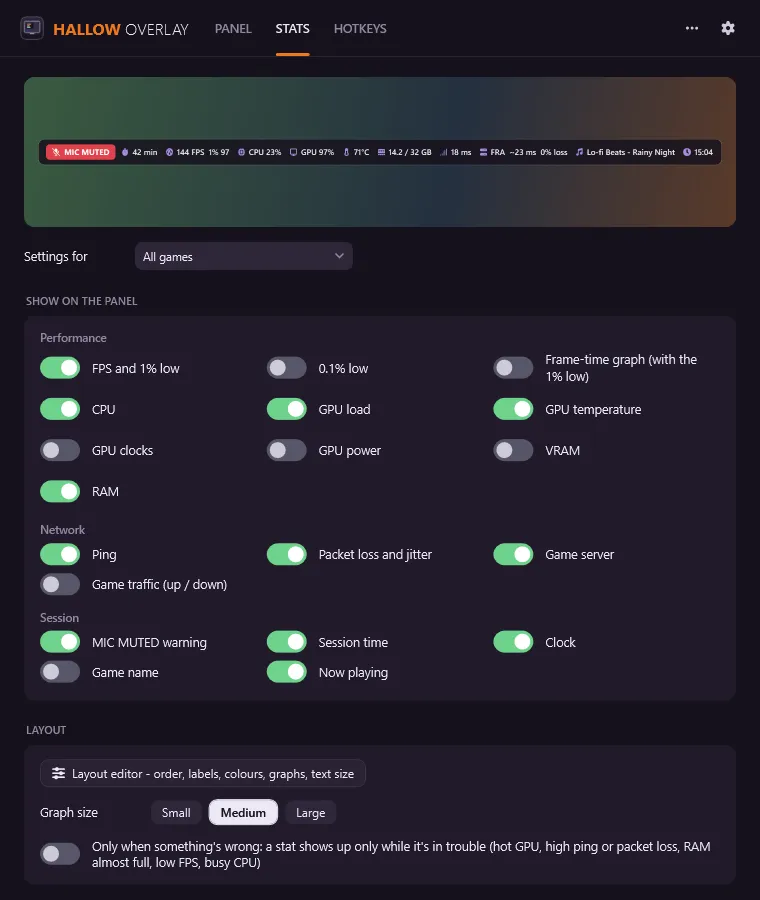
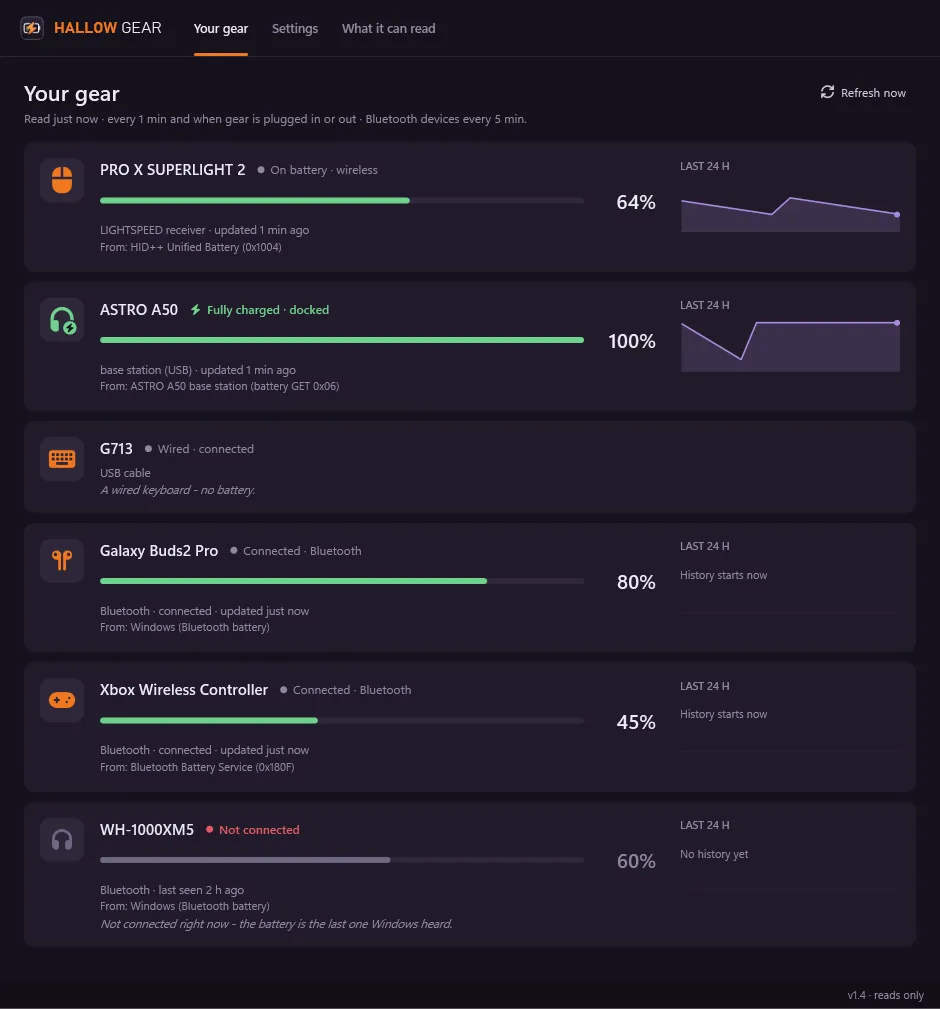
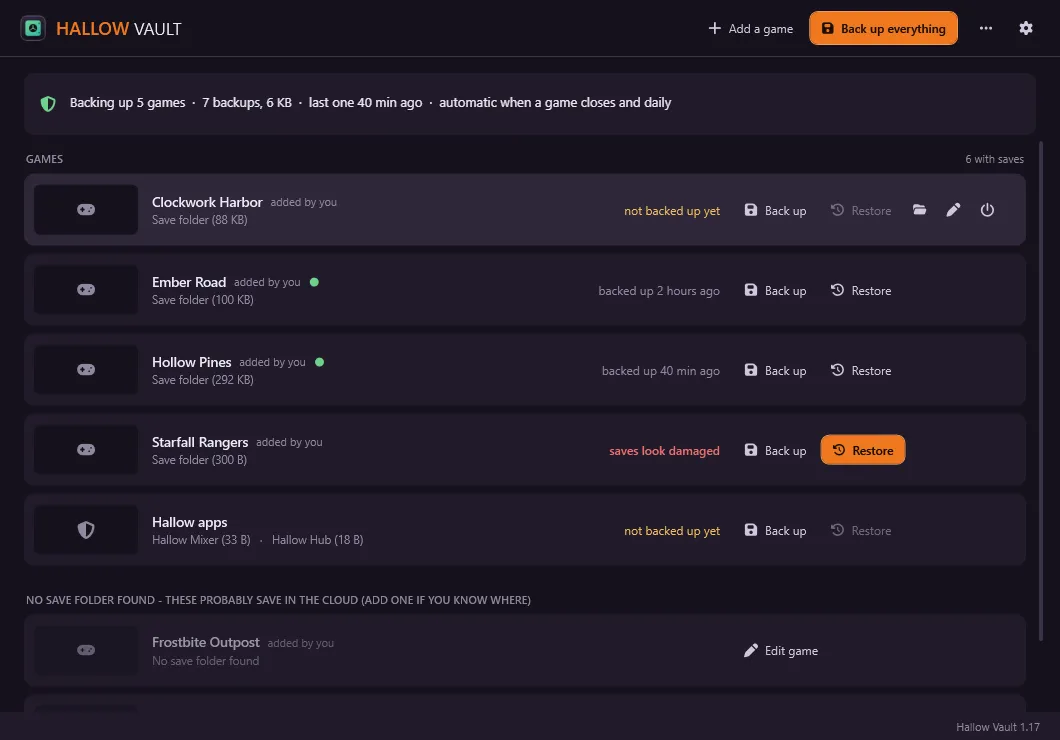
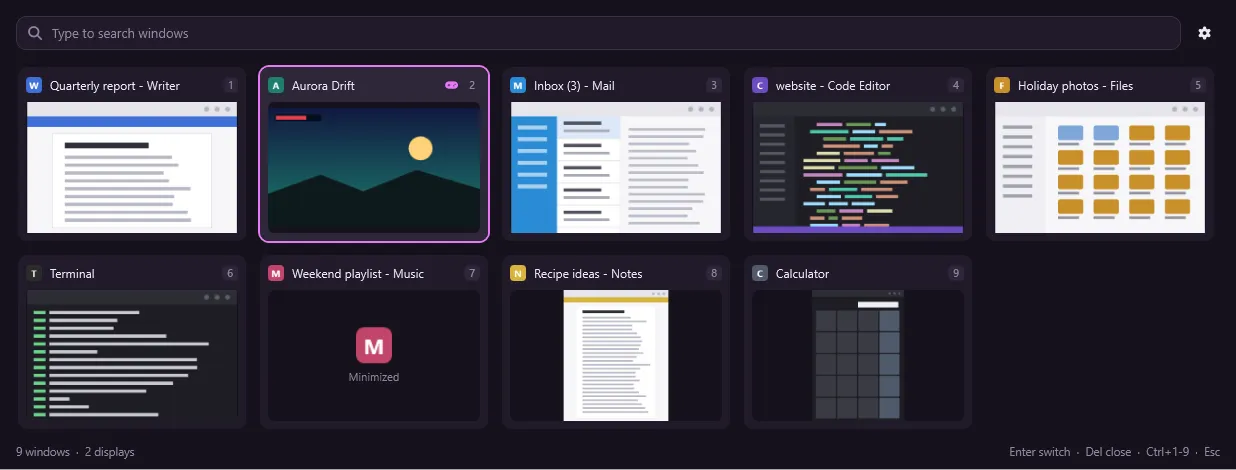
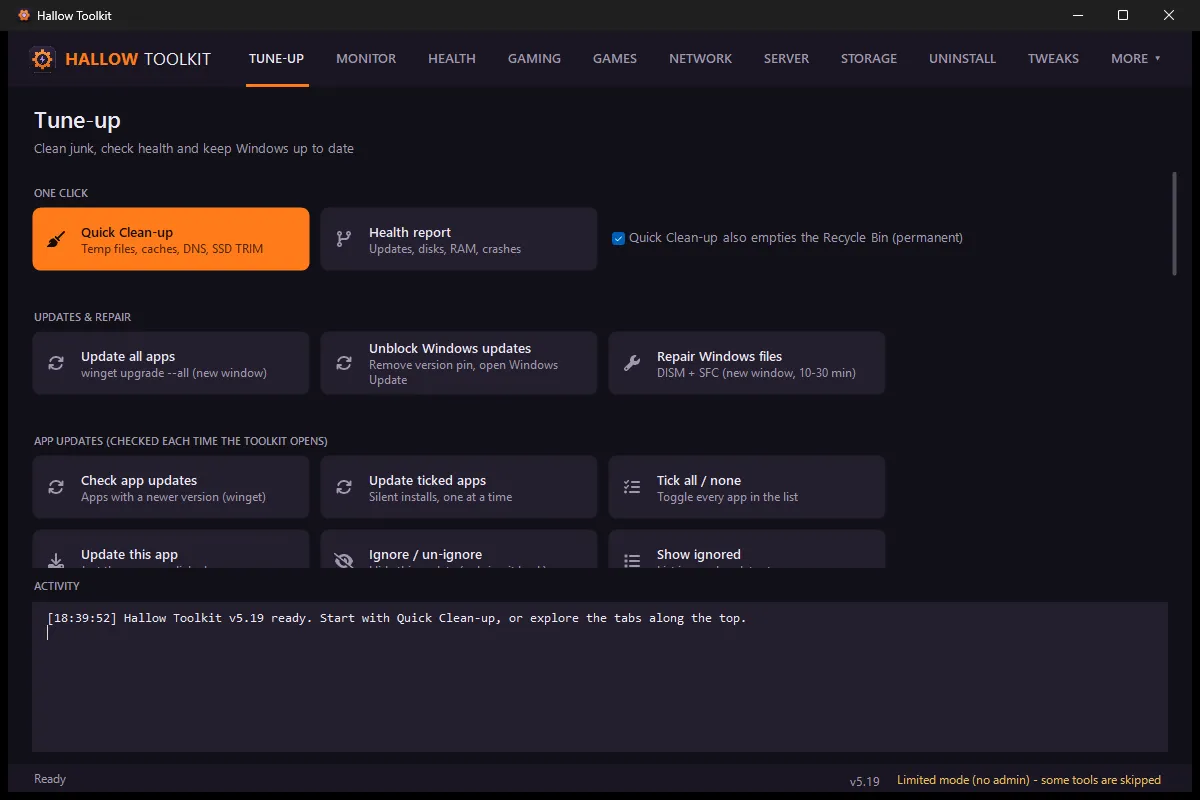
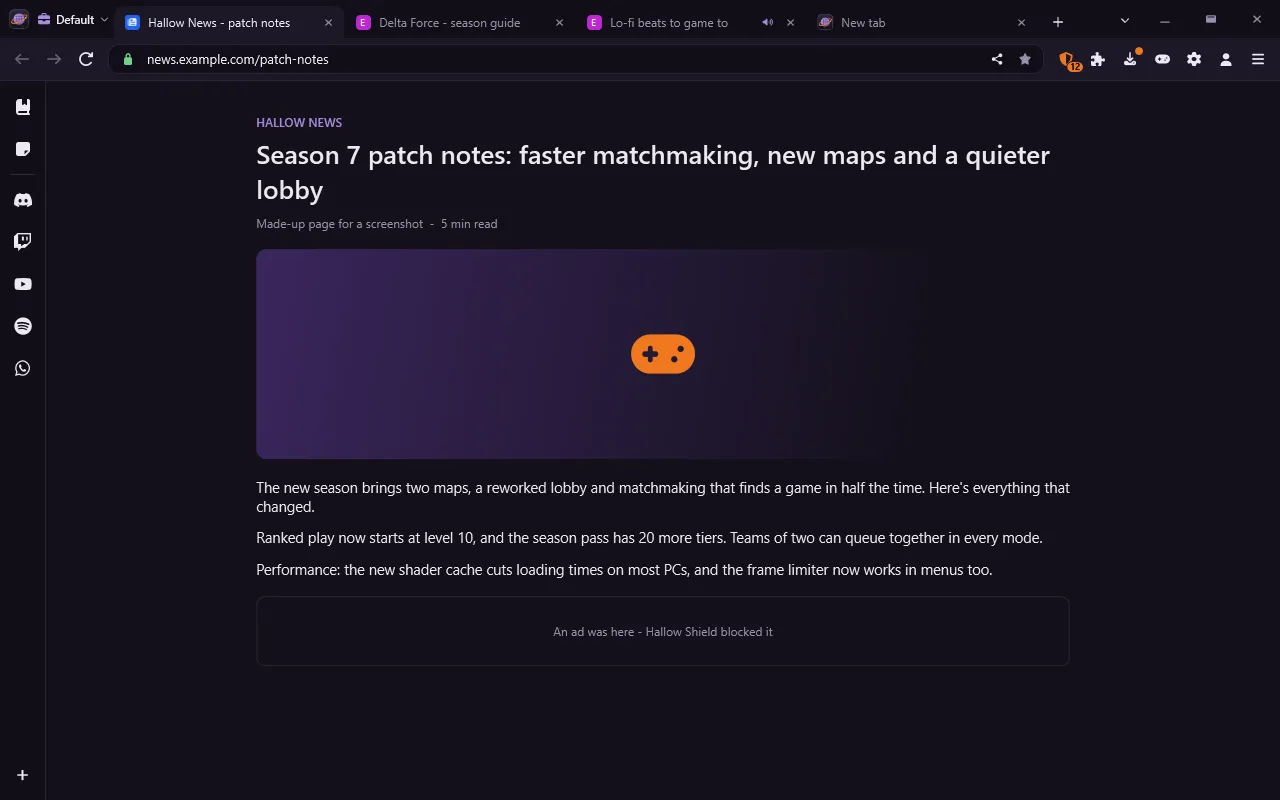
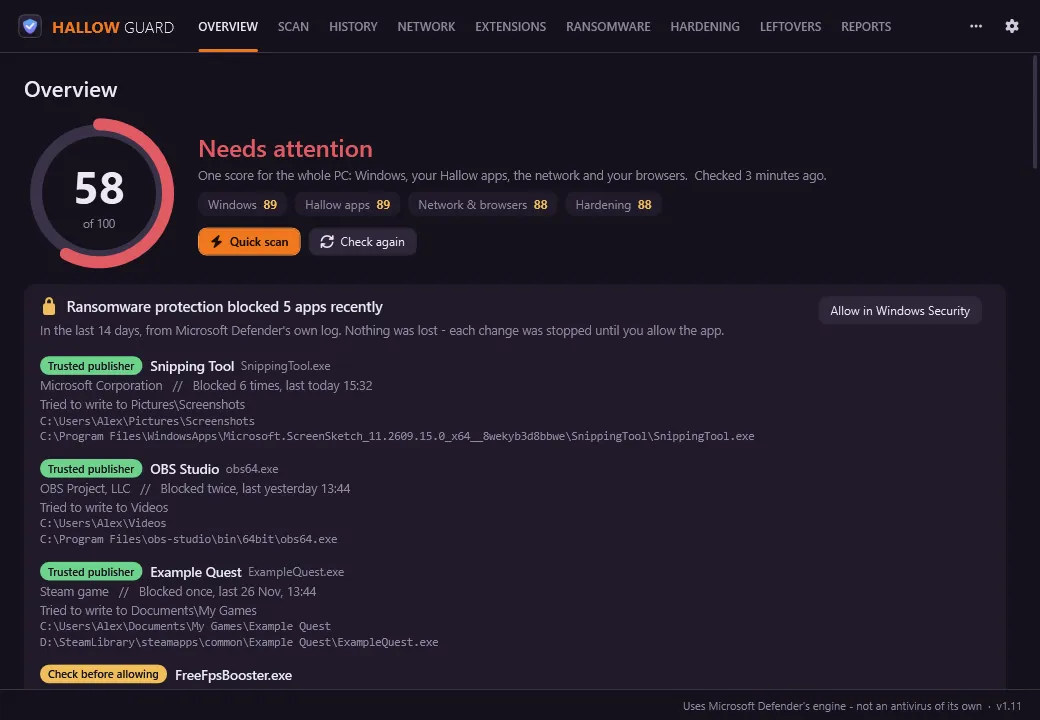
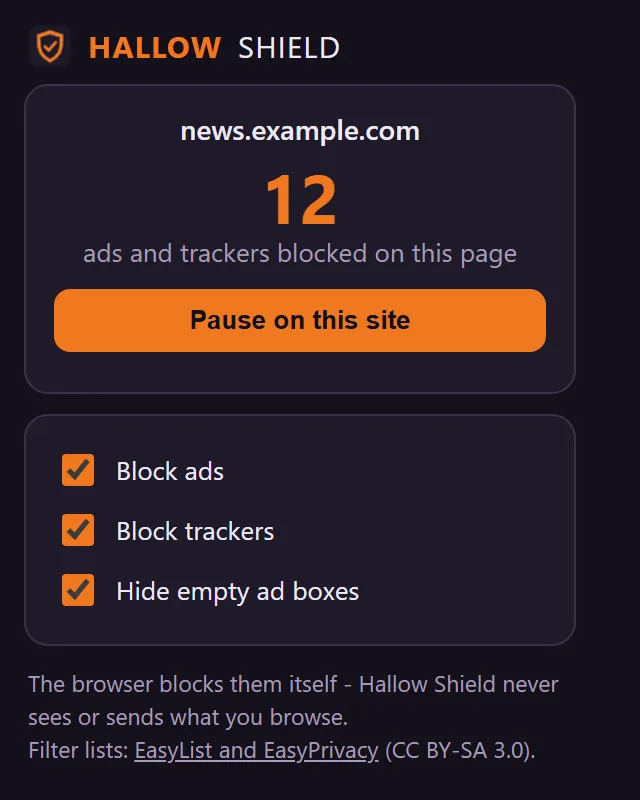
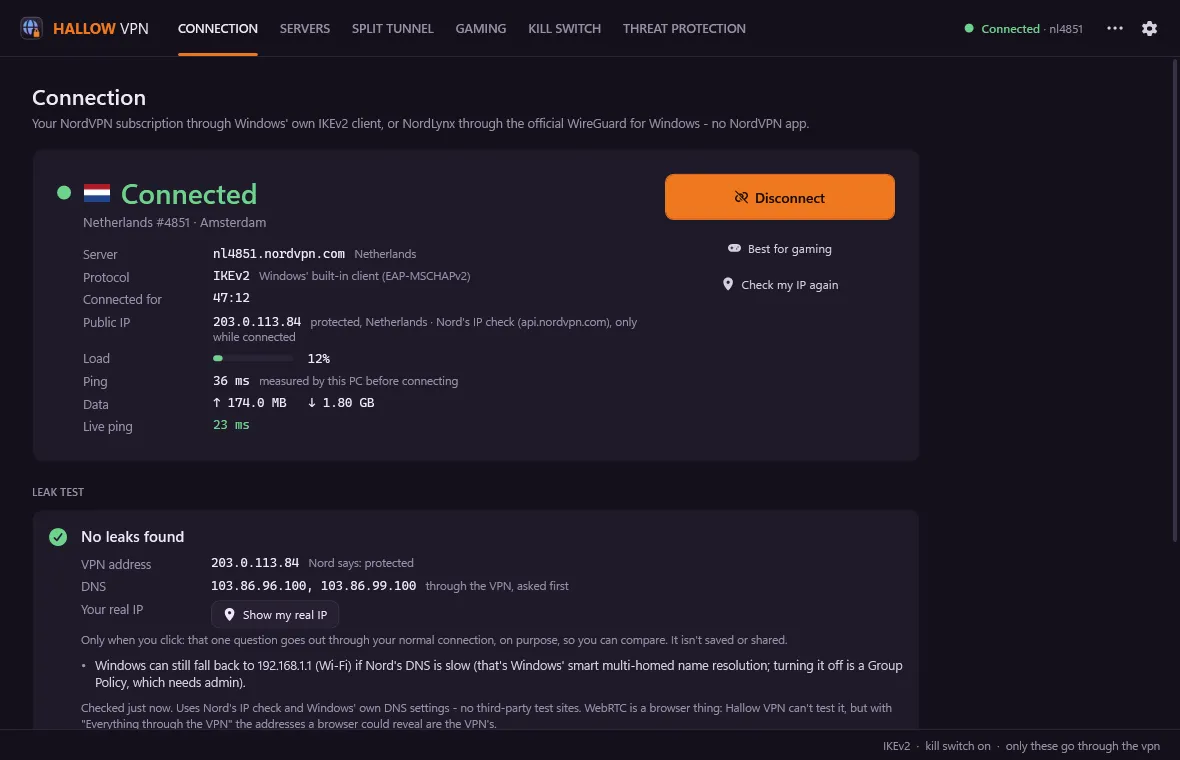
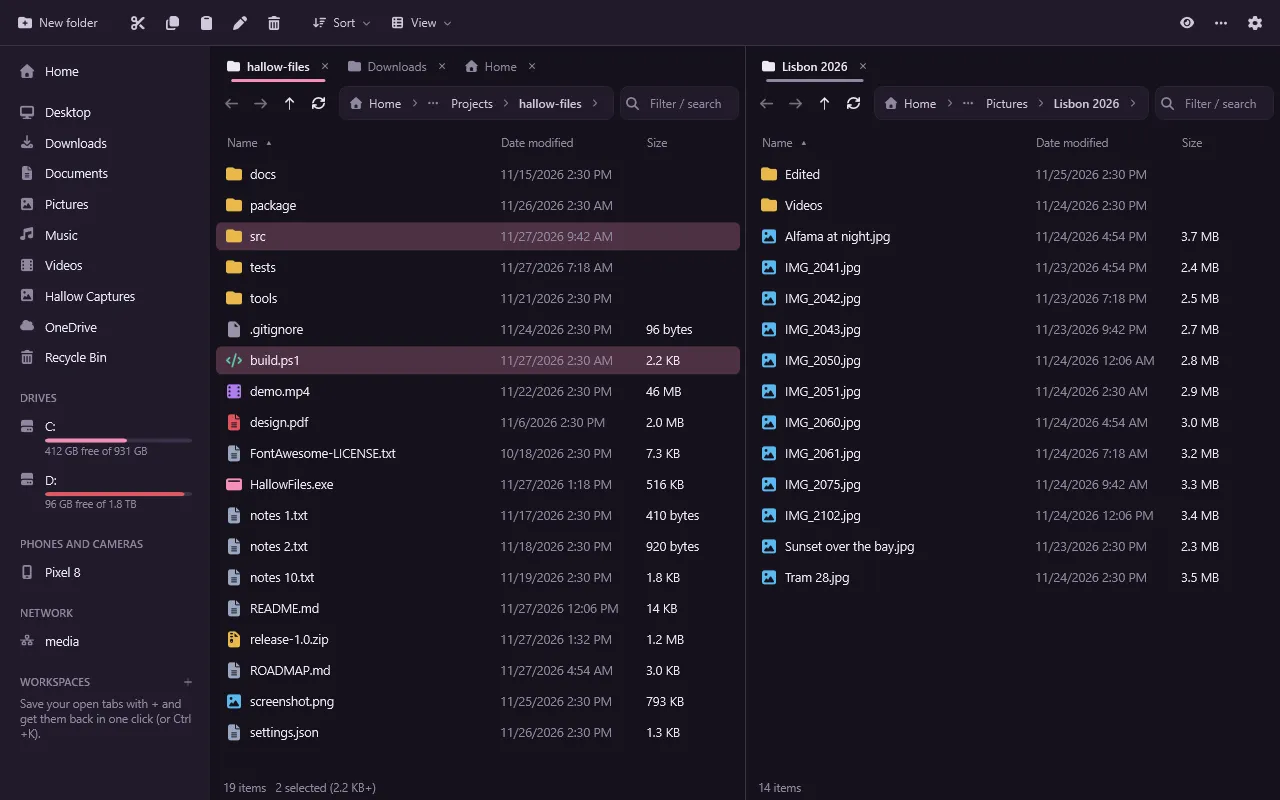
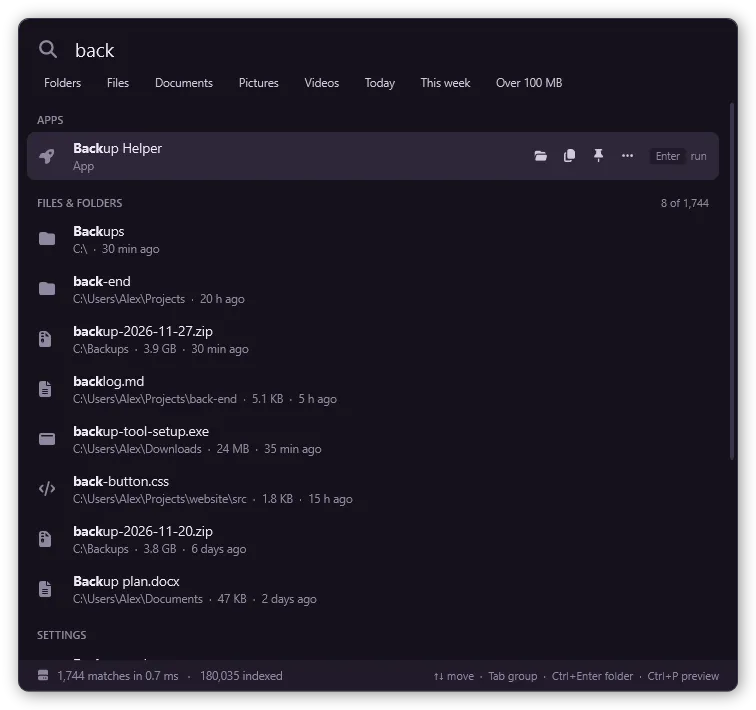
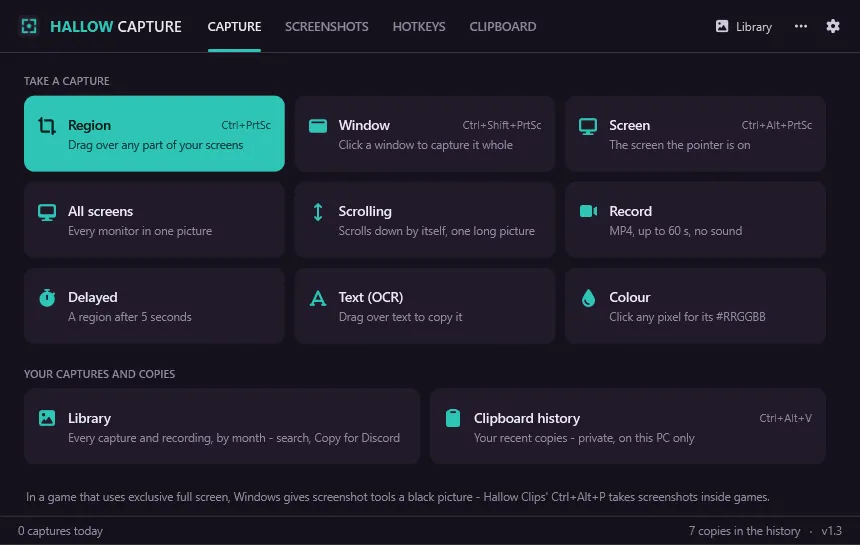
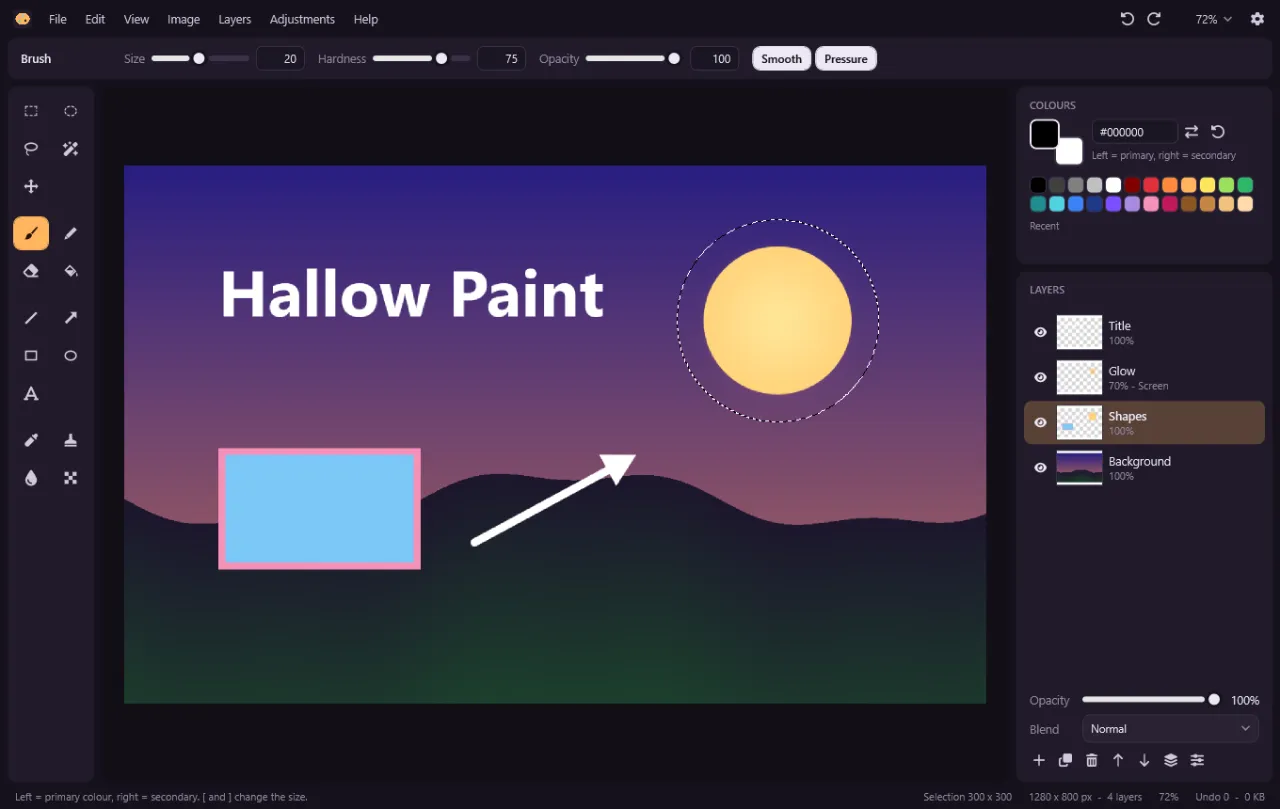
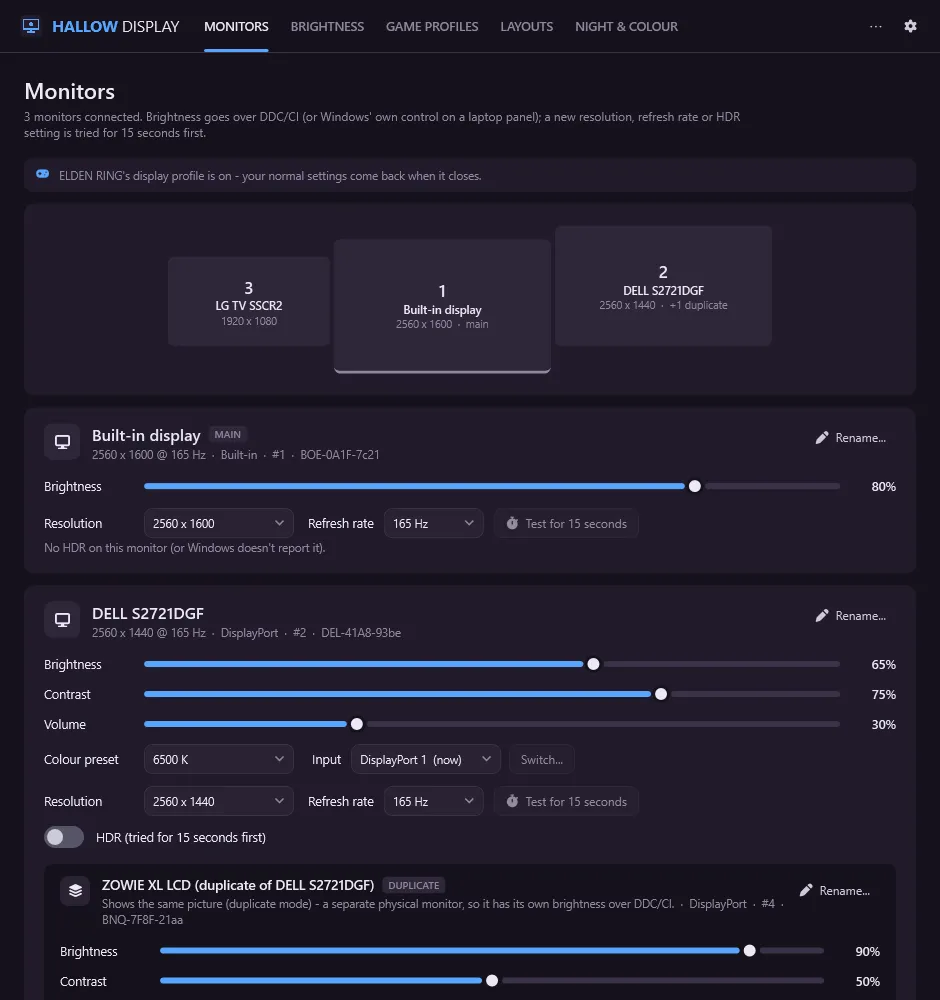
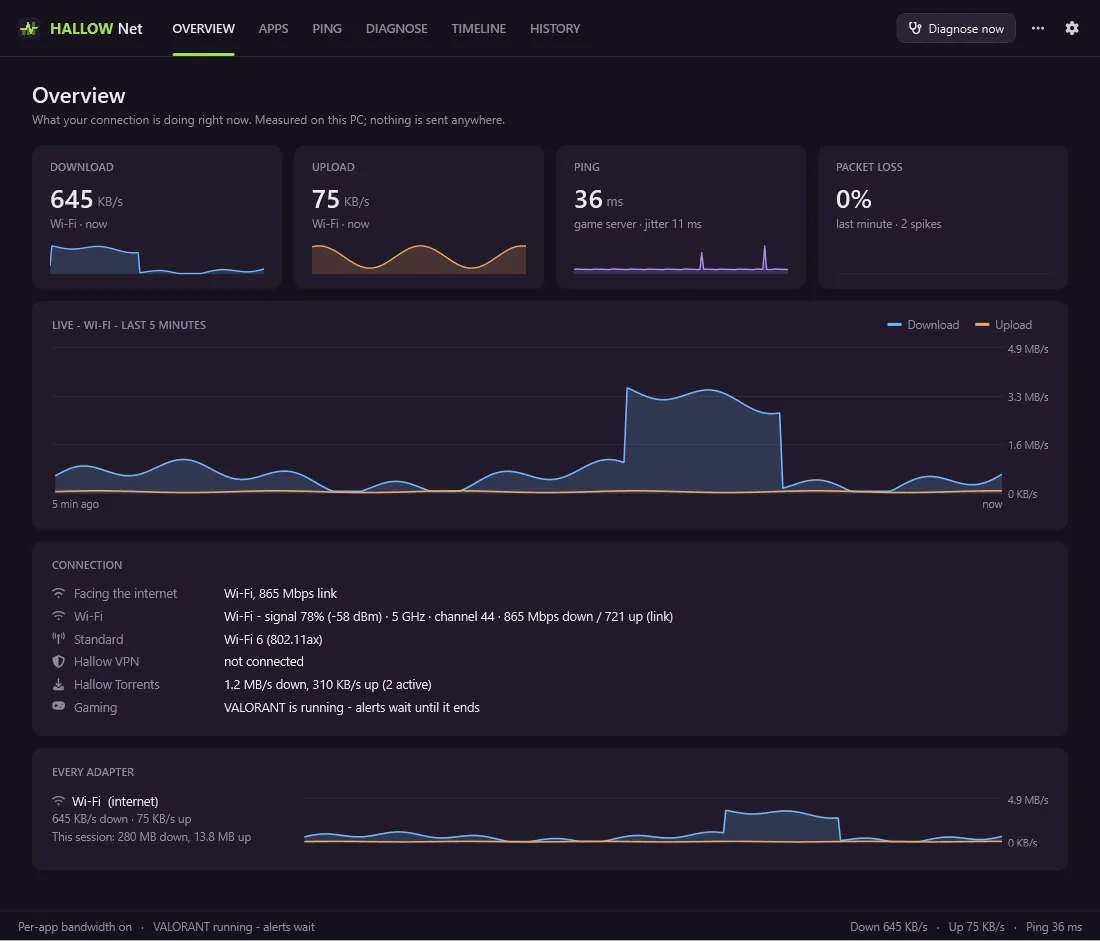
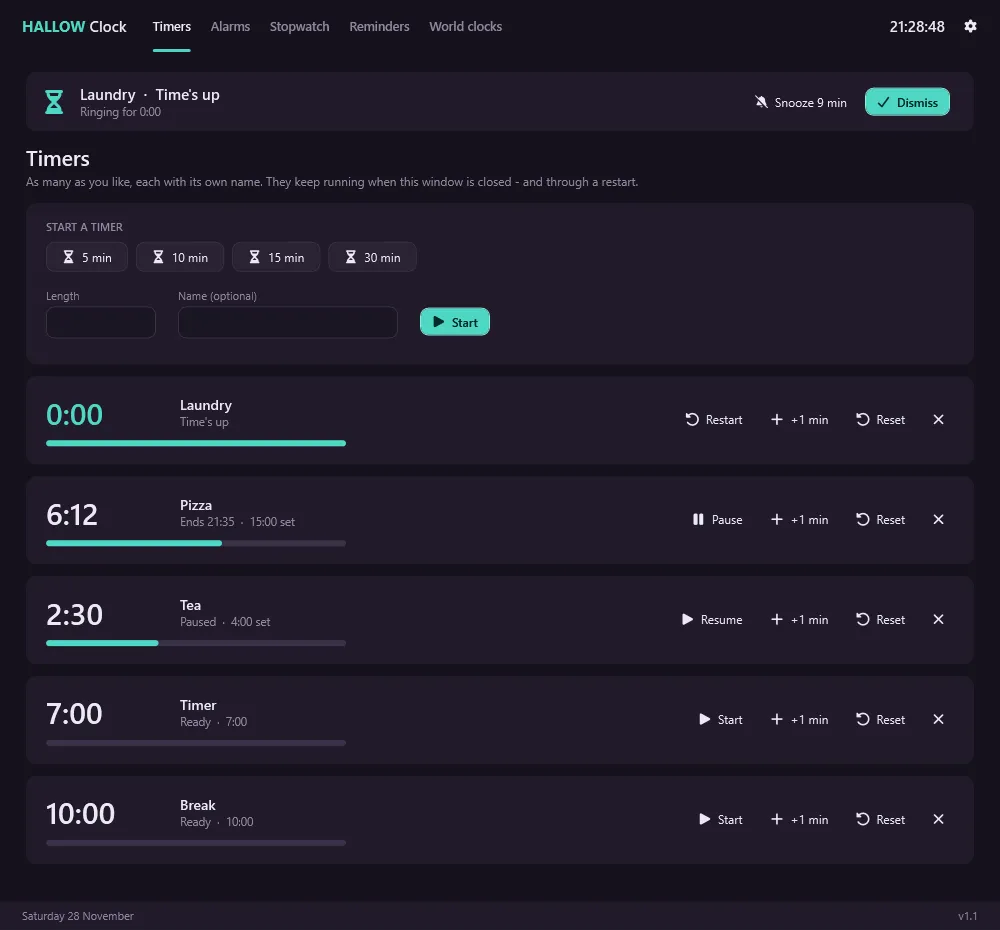
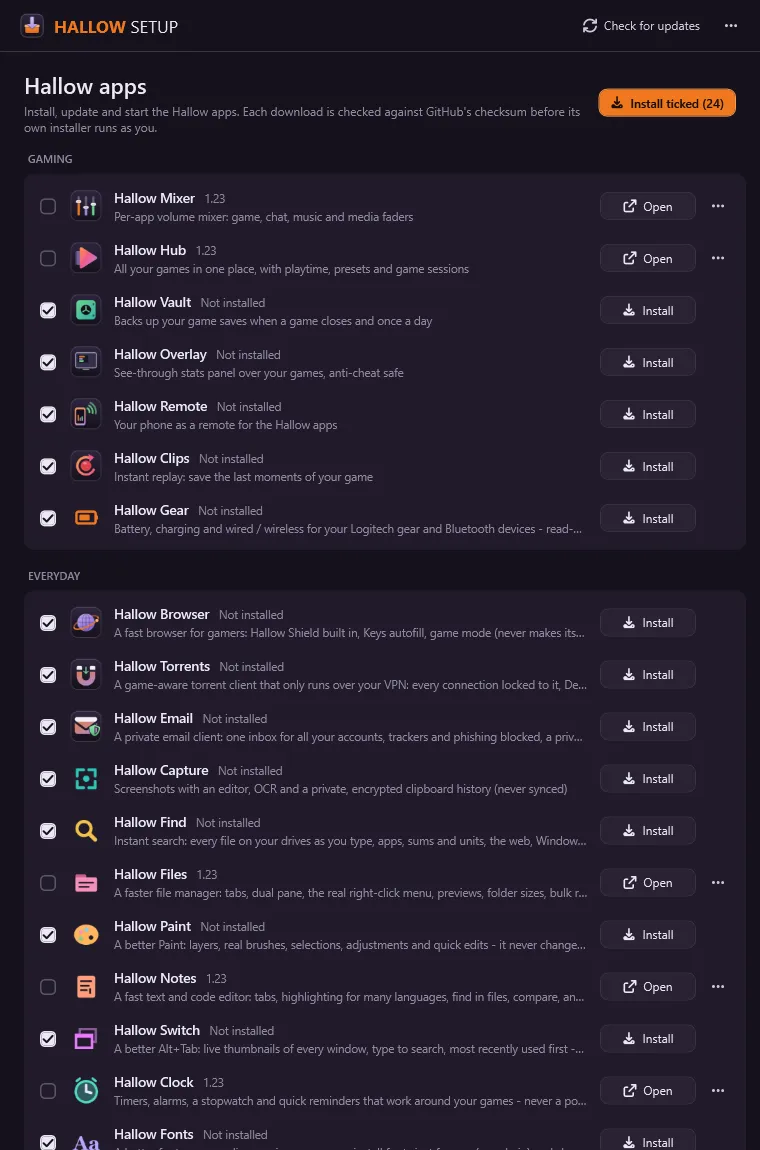
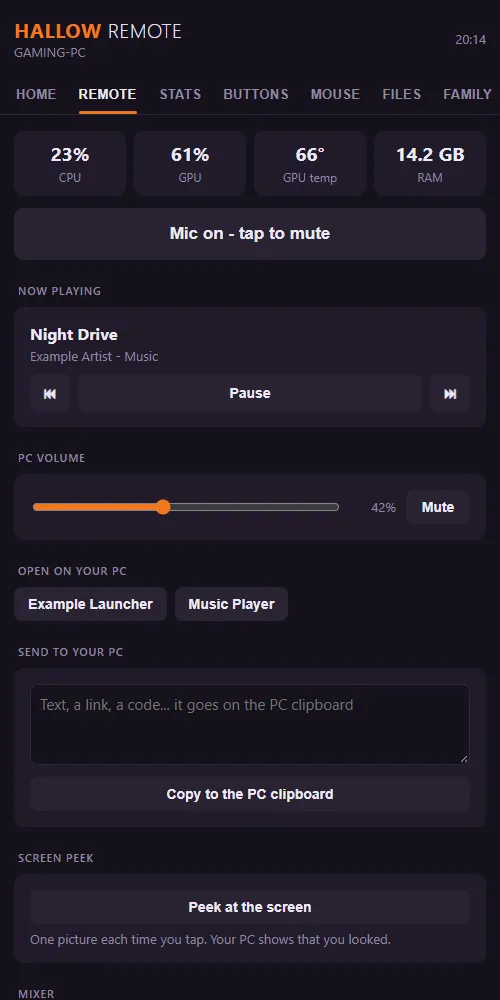
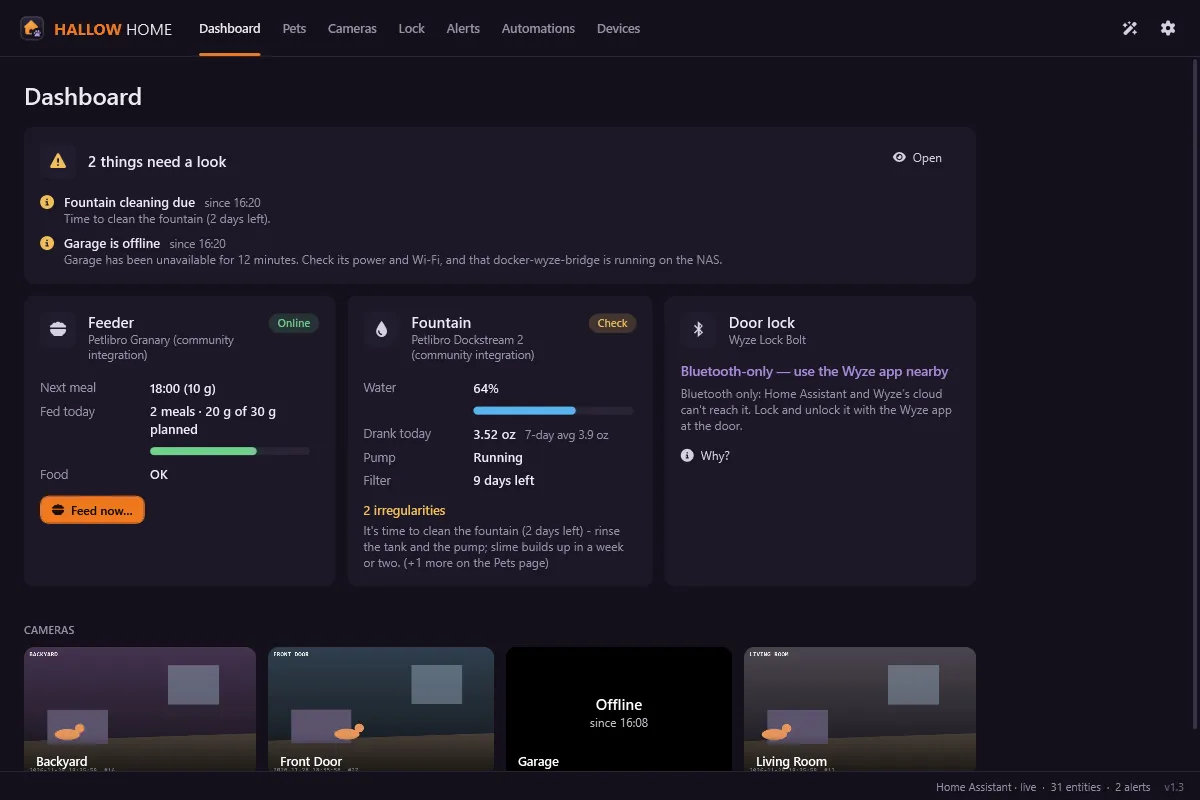
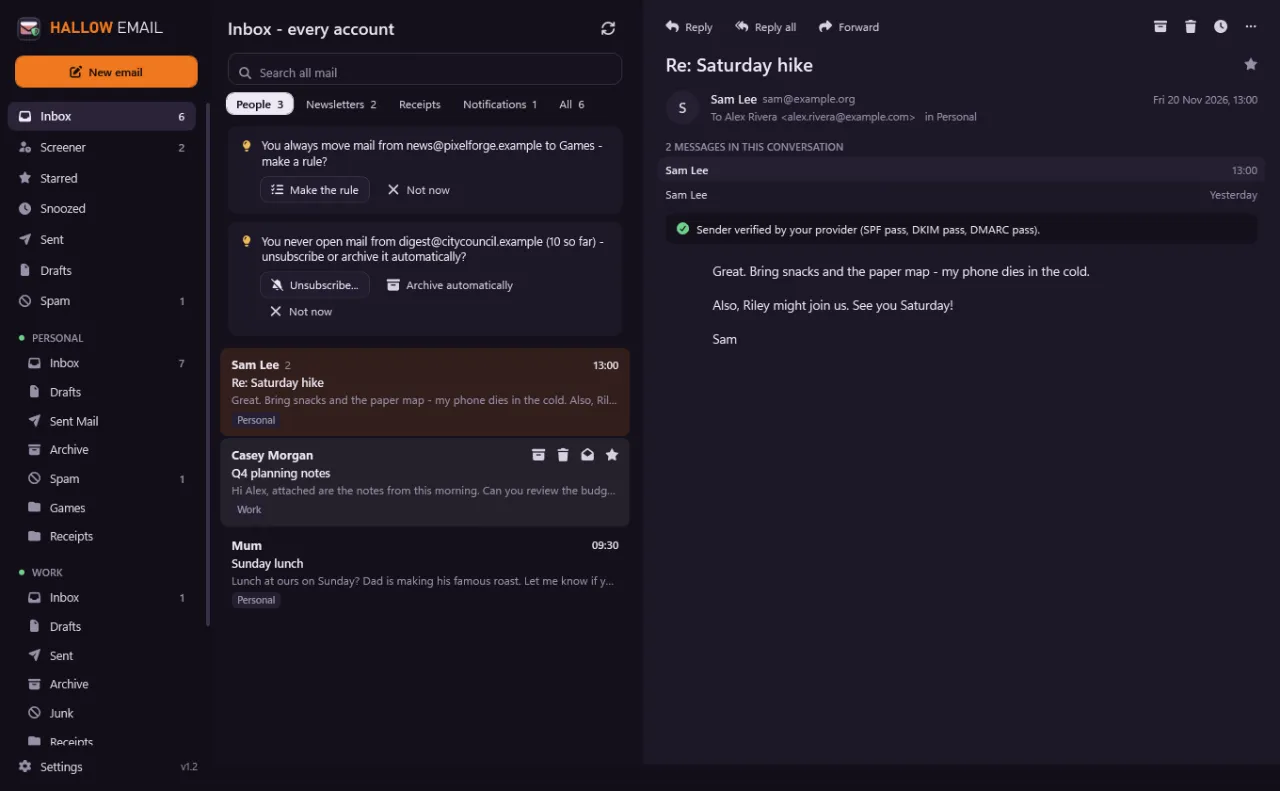
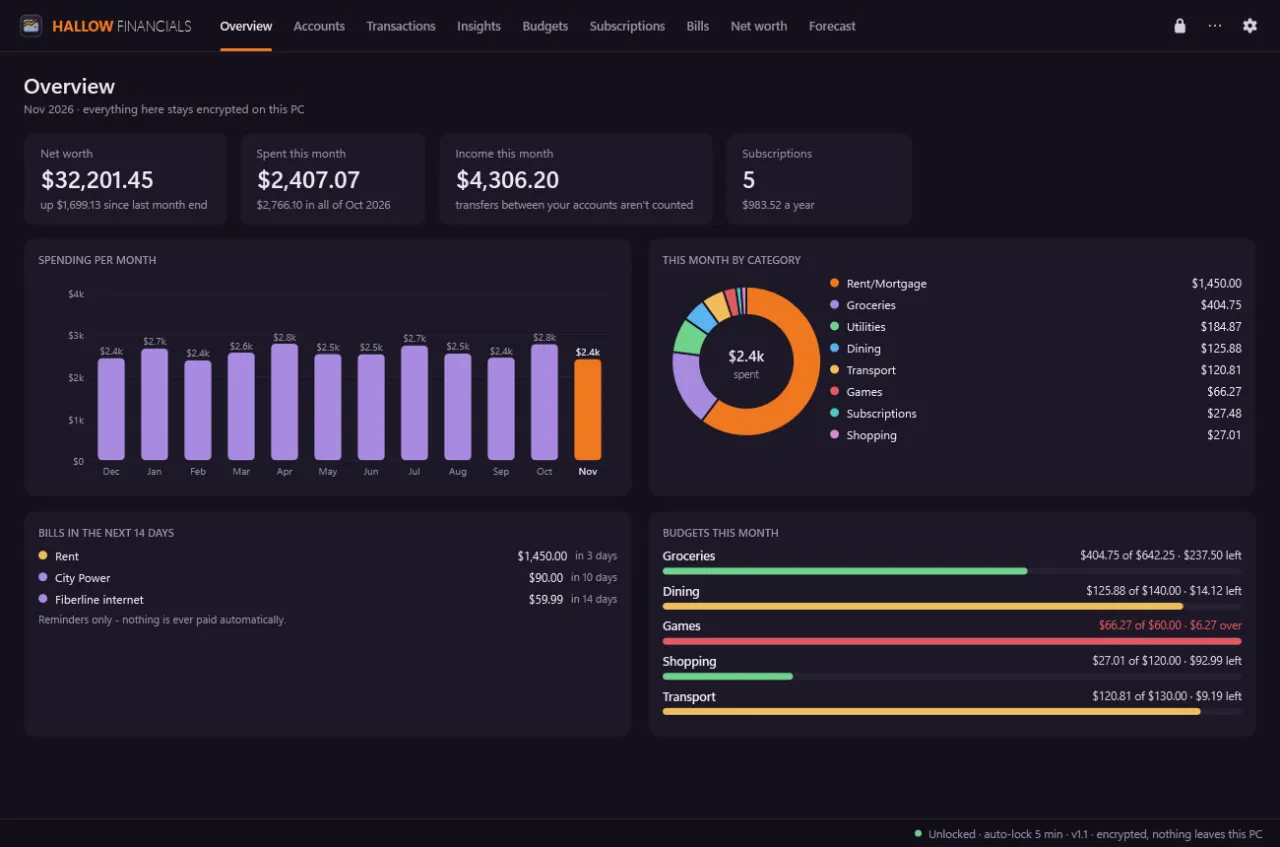
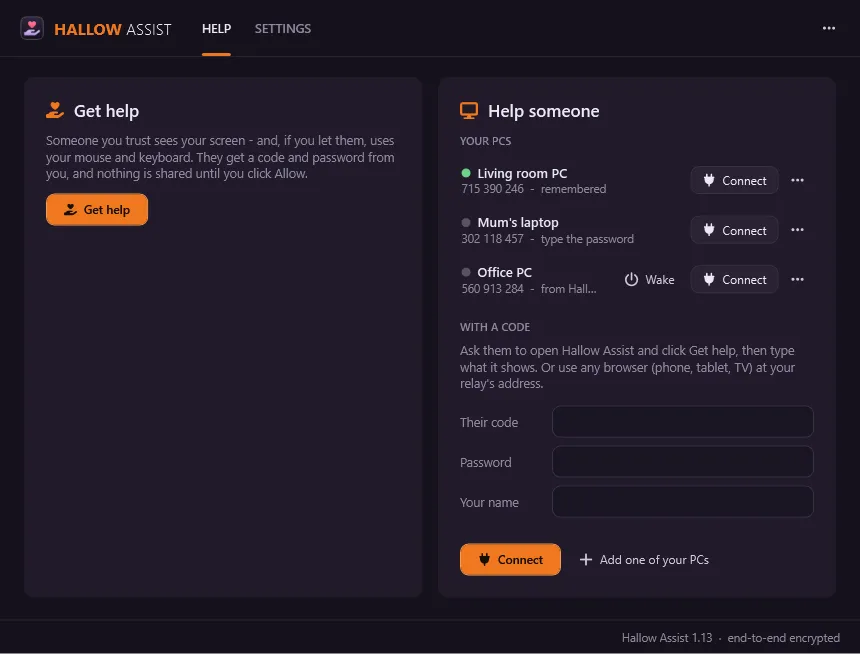
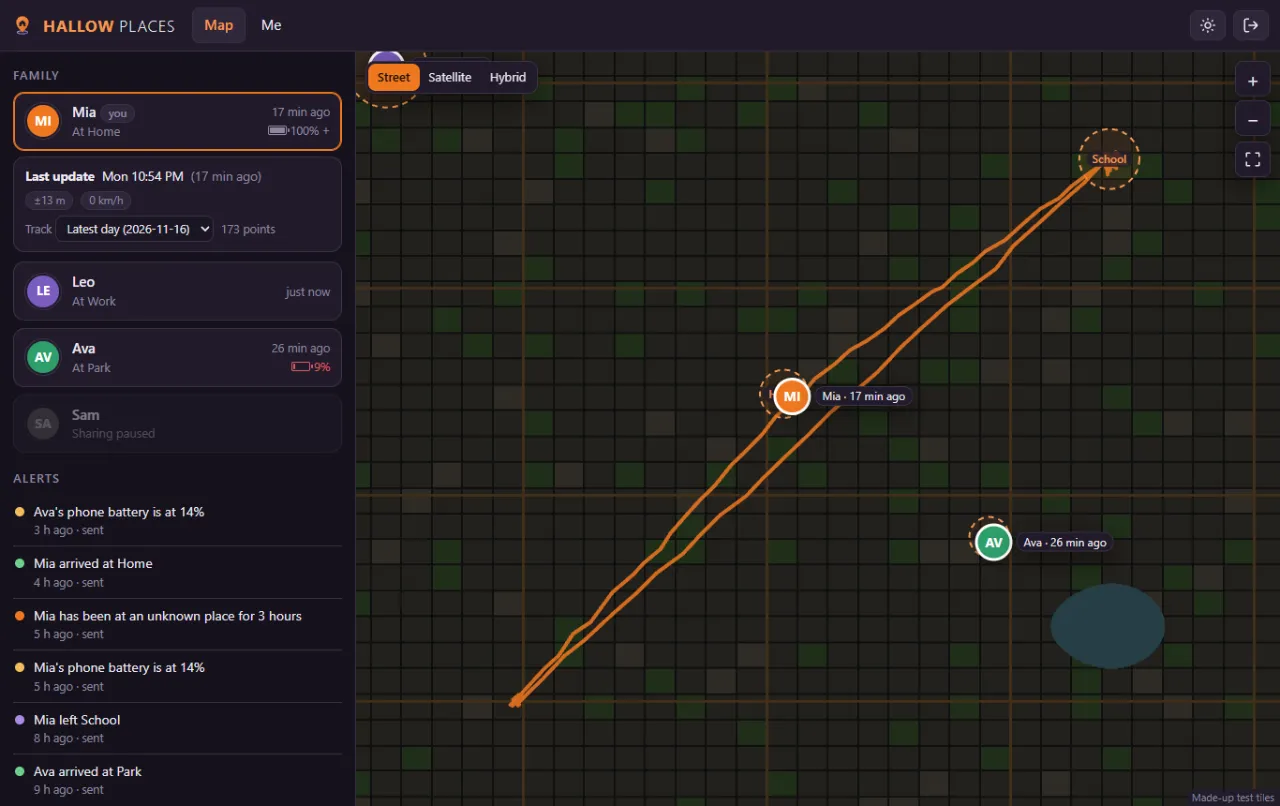
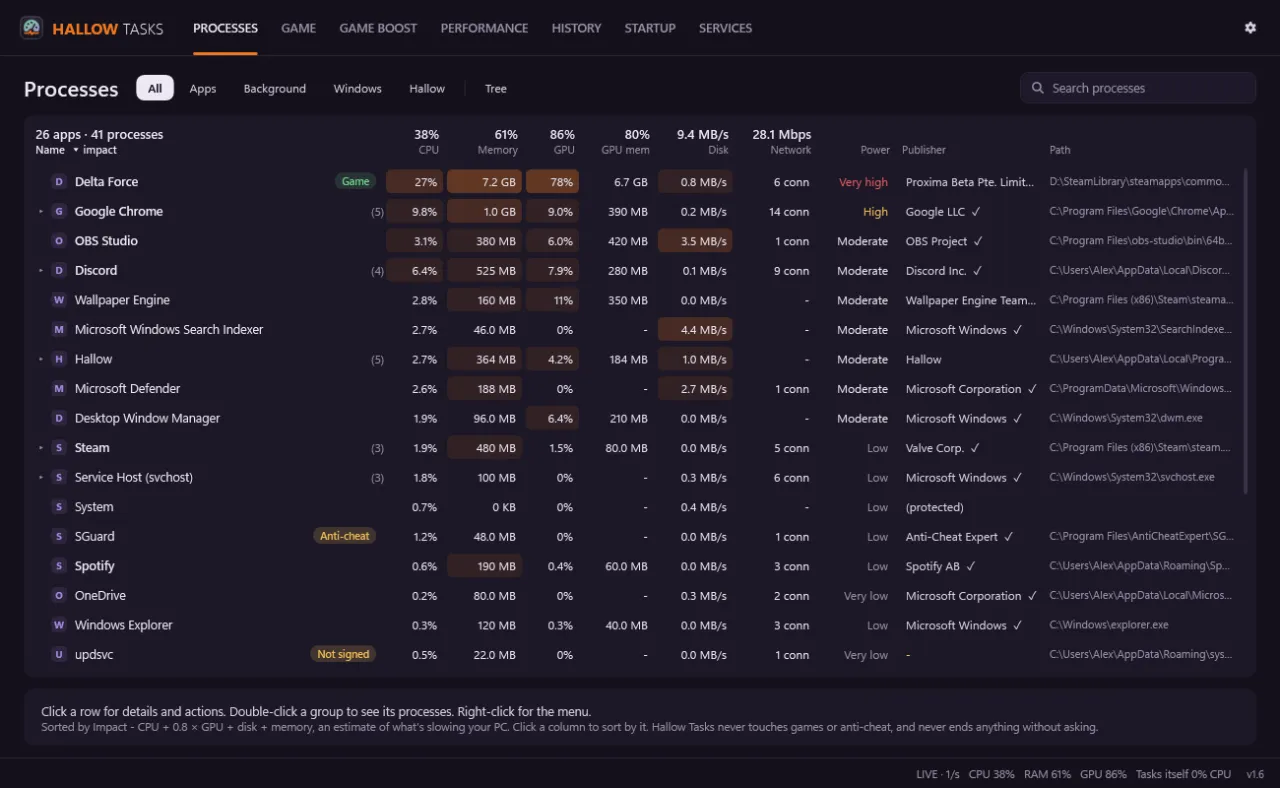
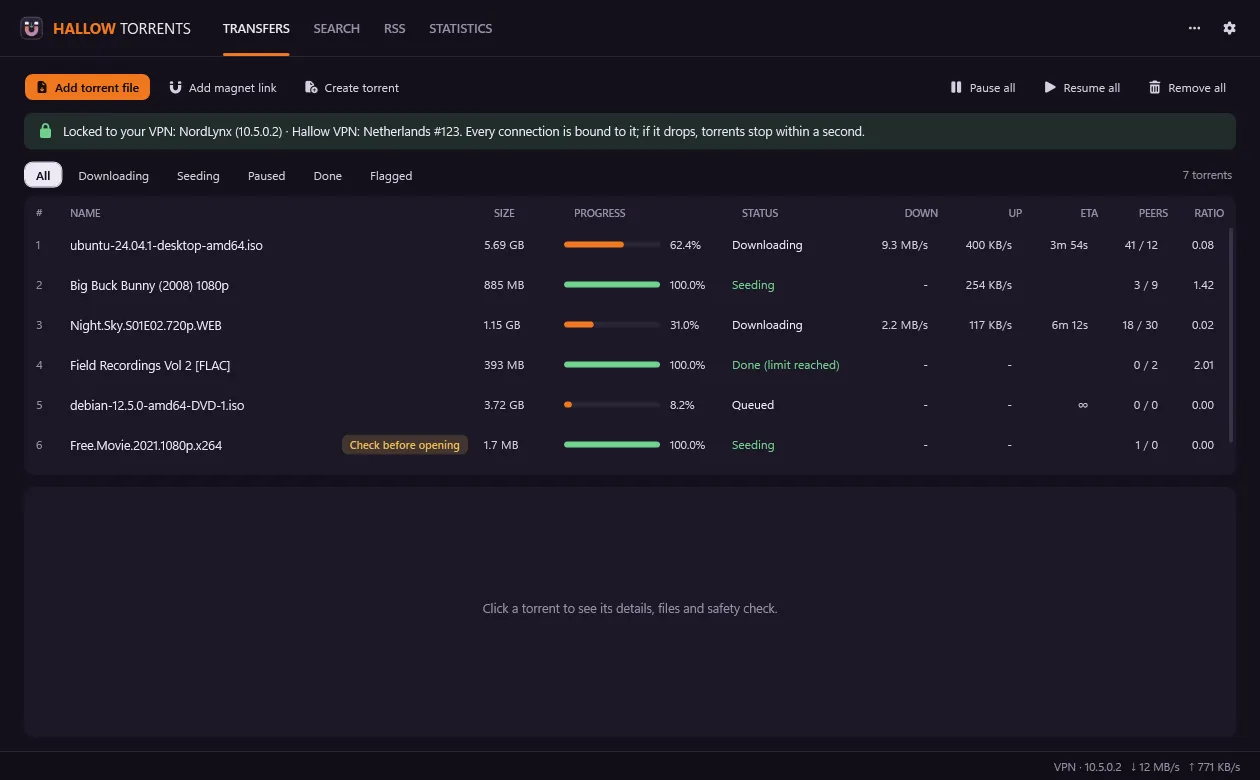
A family of small Windows apps that work together: a game library, a volume mixer, an overlay, instant replay, a password manager, a better Task Manager and more. Pick the ones you want - Hallow Setup installs them.

  • No account, no ads, no tracking
  • Installs as you - no admin
  • Light and dark
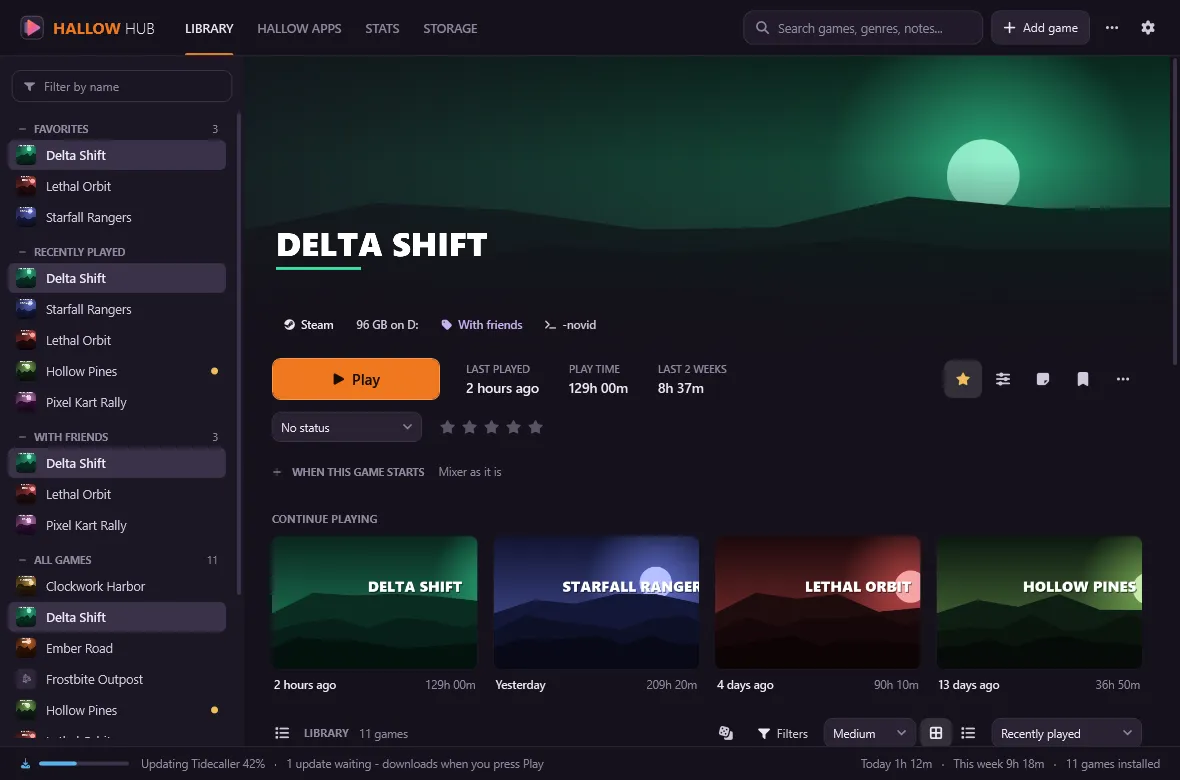
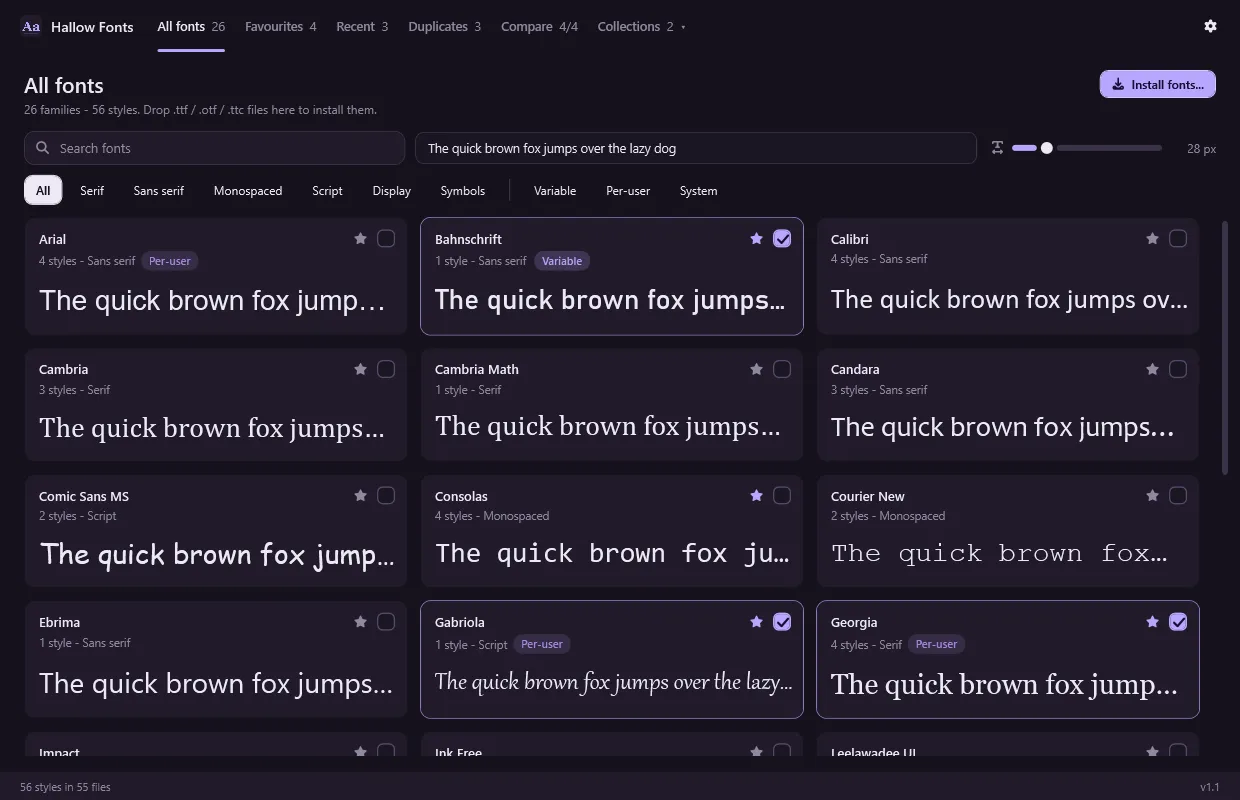
Hallow Hub library with a game page, play time and continue-playing covers
Why Hallow

  • Private by default

    No account, no ads, no analytics. Your settings and data stay on your PC.

  • Free and open source

    Every app is free, with its code on GitHub. Nothing is deleted for good without asking.

  • Works together

    One look in light and dark. Hallow Hub shows every app, its updates and one tray icon.

  • Light on your PC

    Game-aware: alerts, updates and scans wait while you play. Installs as you - no admin.

The whole family

All 35 apps

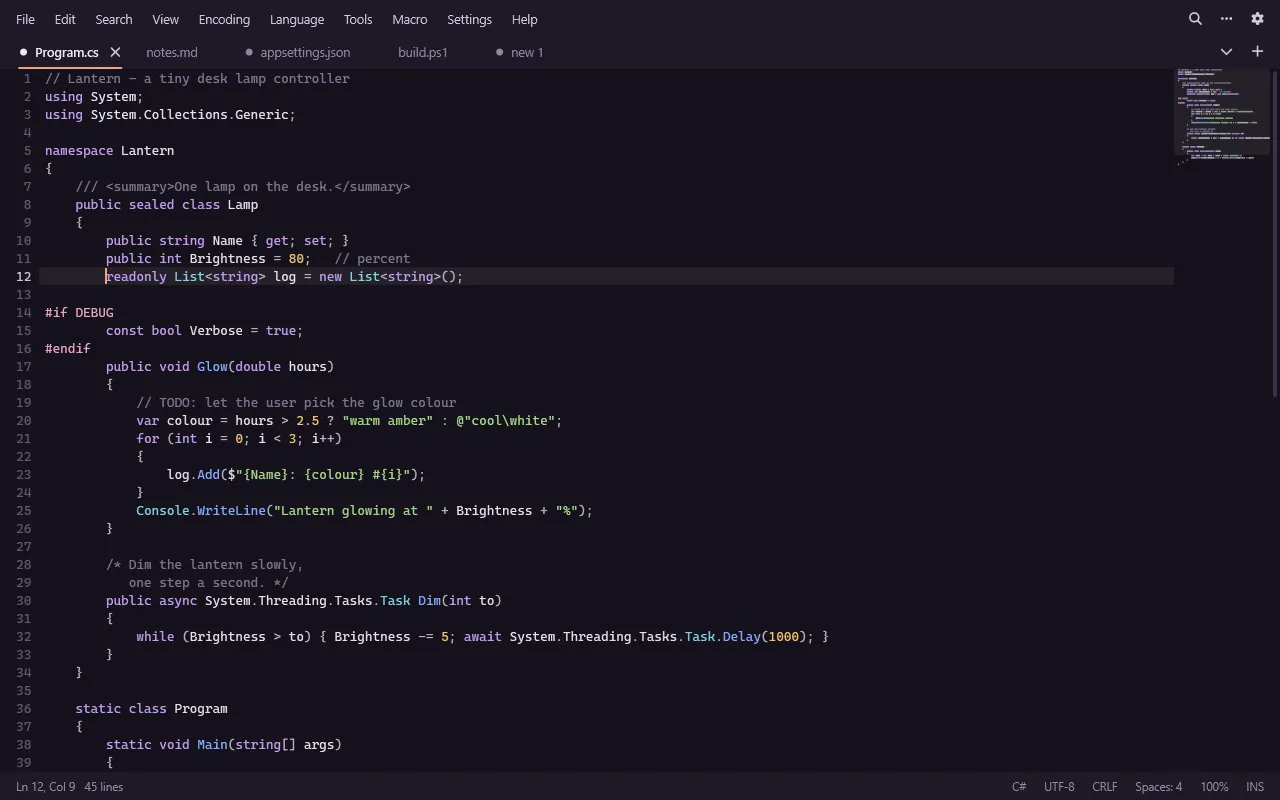
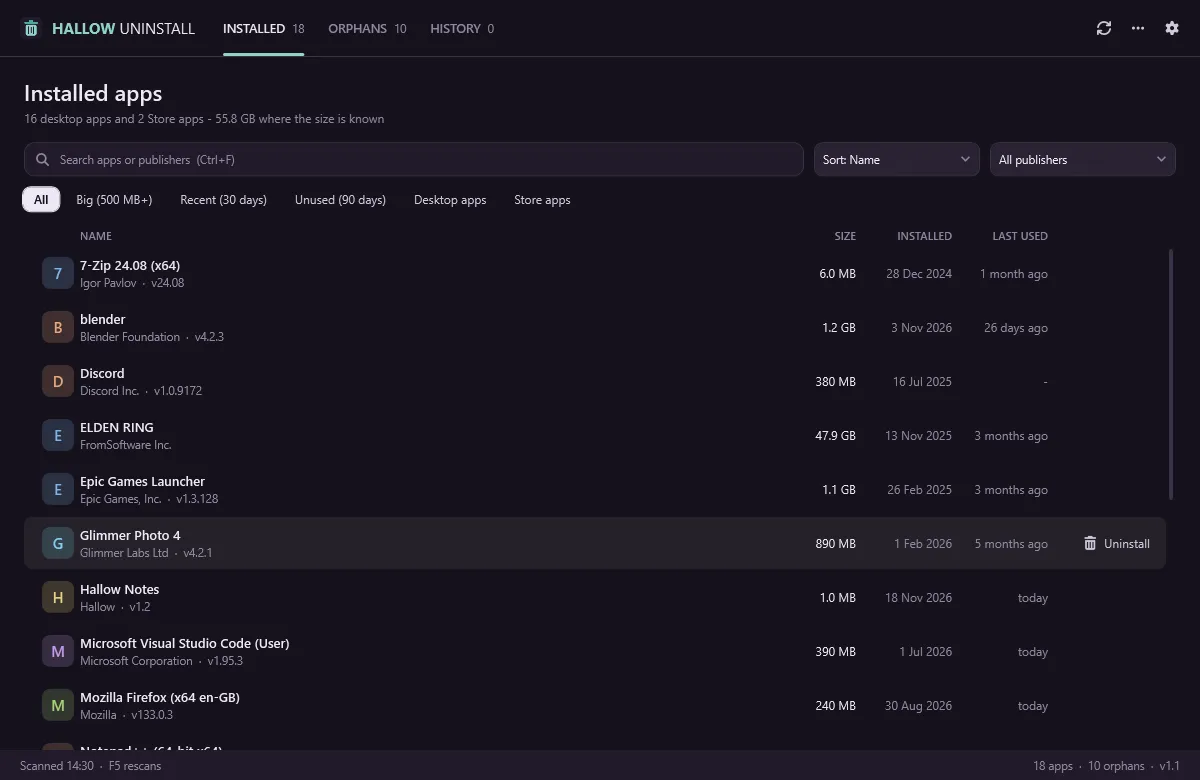
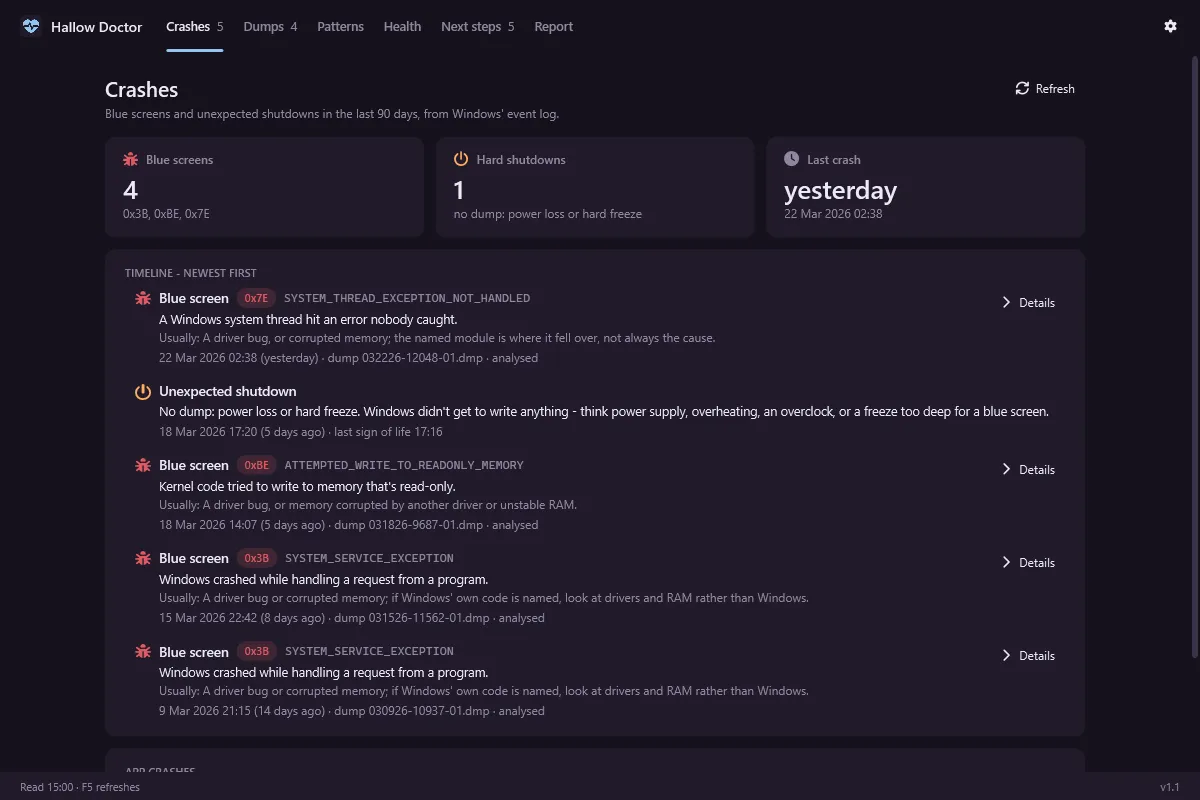
Gaming, security, files, PC tools and home. Click an app for screenshots, features and what's new.

35 apps

On your phone

Hallow Keys for Android

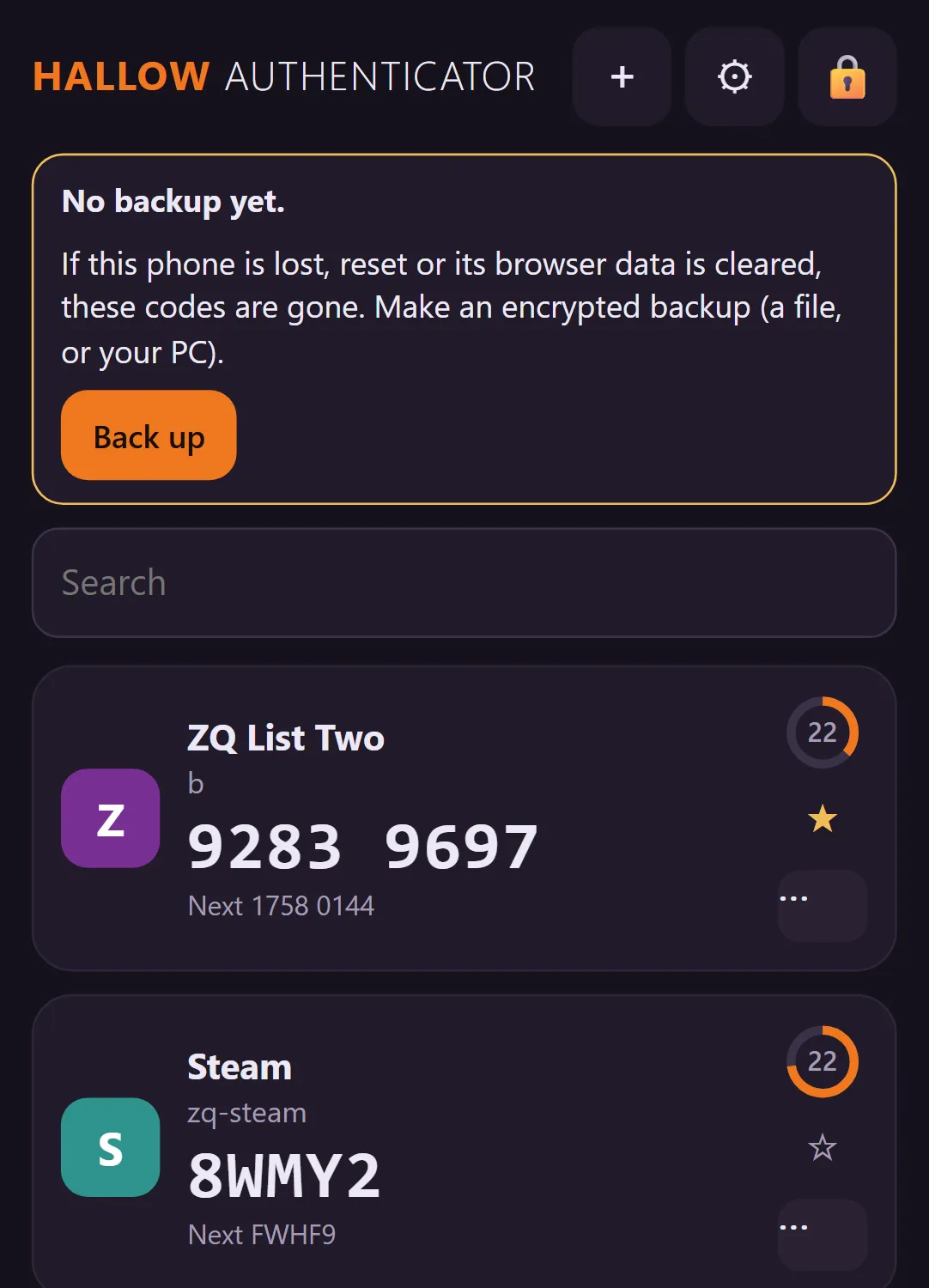
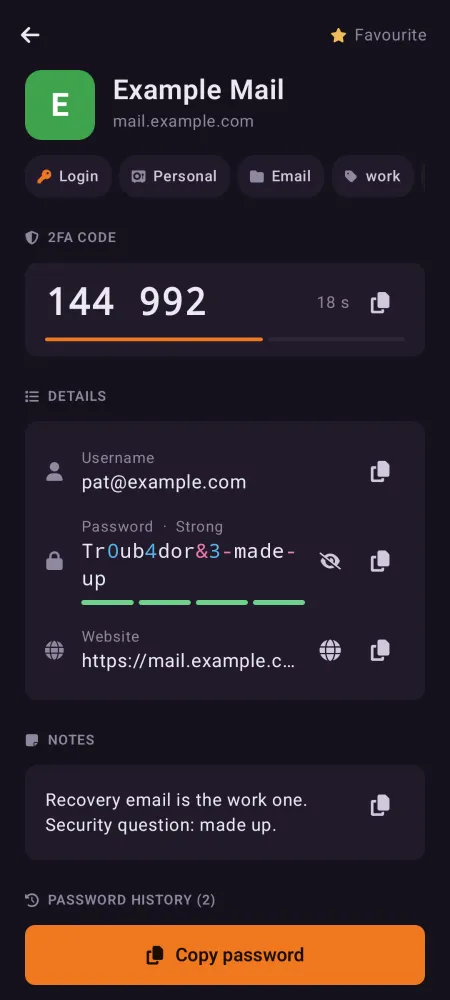
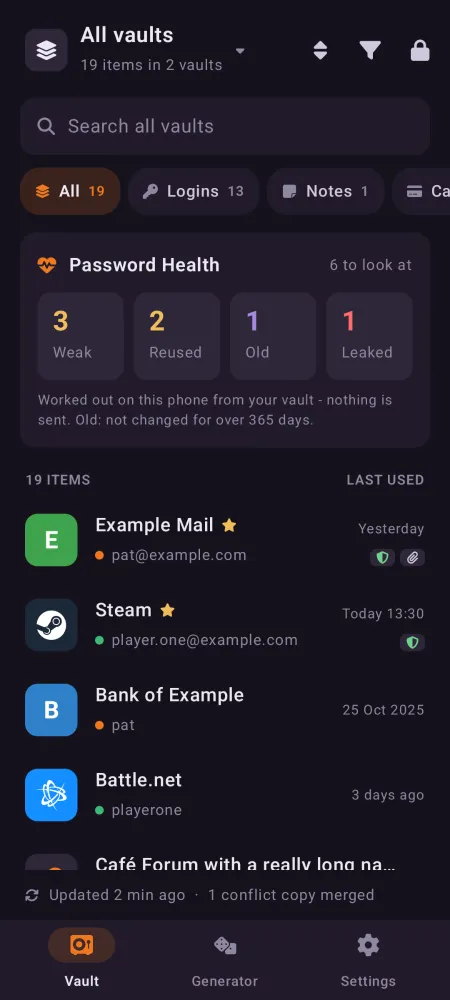
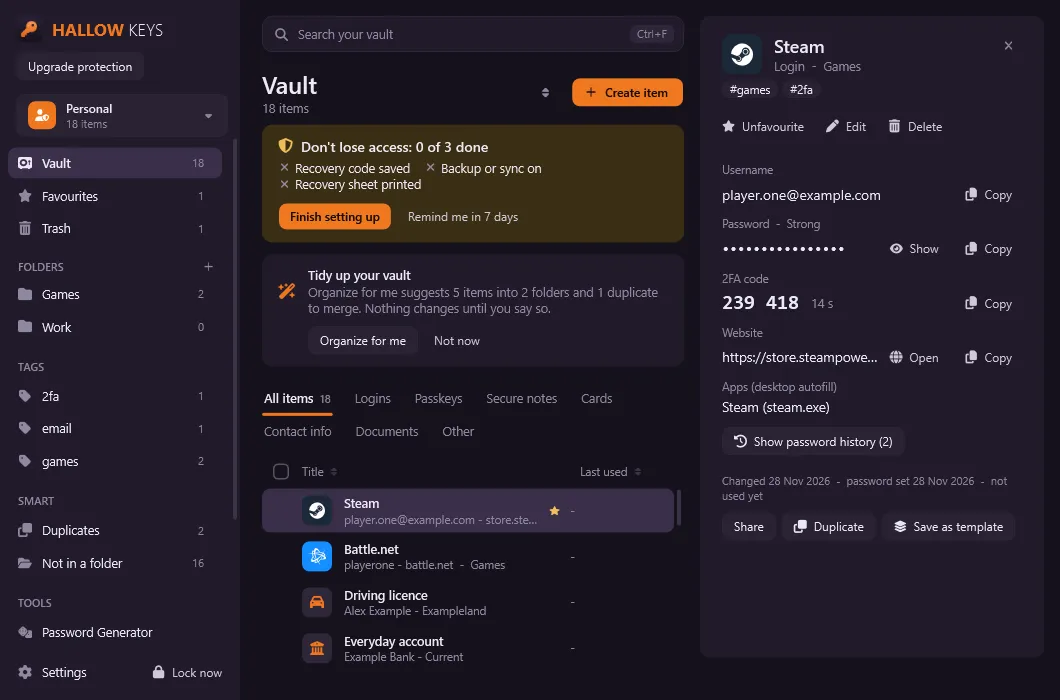
Your Hallow Keys vault on your phone. Passwords and 2FA codes in your pocket - no Hallow account, no cloud.

  • Opens the same vault as Hallow Keys on your PC, with its own encrypted copy
  • Fills logins and 2FA codes in other apps and in Chrome
  • Add and edit items; changes reach your PC through your sync folder
  • No Hallow account, no server, no internet permission
  • Works with your PC switched off

Coming soon to downloadv1.3 · Android

Hallow Keys for Android login details with a 2FA code
Hallow Keys for Android vault list
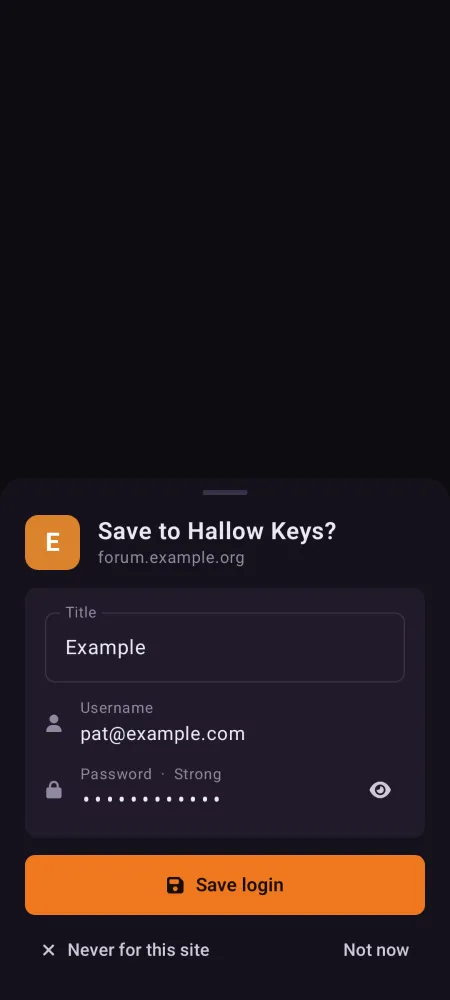
Hallow Keys for Android offering to save a login

Install

Up and running in three steps

One installer for the whole family - or download any app on its own.

  1. Get Hallow Setup

    Download it, unzip it and run it. It lists every Hallow app with what it does.

  2. Tick what you want

    Each download is checked against GitHub's checksum before its installer runs - as you, never as admin.

  3. Stay up to date

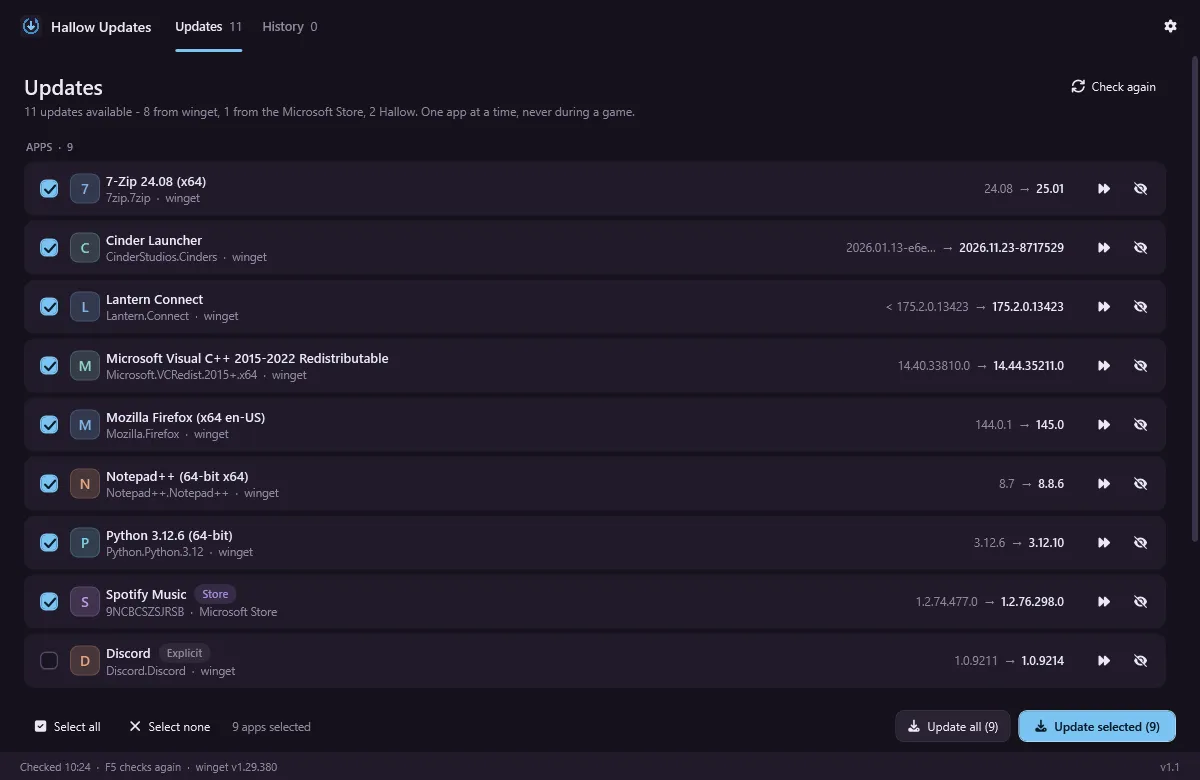
    Setup (or Hallow Updates) shows new versions and updates the apps you pick. Each app asks before it updates itself.

Free · Windows 10 / 11 · no account needed